
Fundamentals
Lossy vs Lossless Compression: What They Mean and When to Use Each
A clear, accurate explanation of the difference between lossy and lossless image compression, with practical guidance for choosing the right approach.
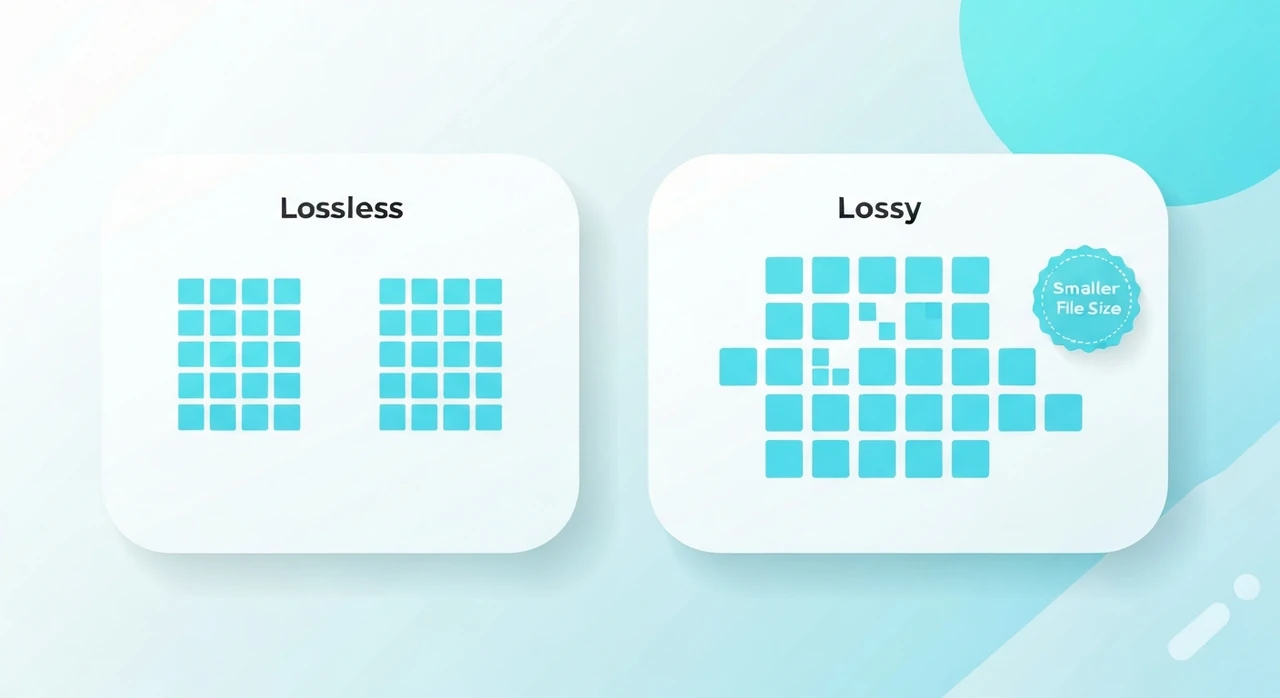
If you’ve spent any time optimizing images, you’ve run into the terms “lossy” and “lossless.” The labels sound straightforward, but what each one actually guarantees in practice is often misunderstood. A team lead once asked us “we saved it as lossless, so nothing could have changed, right?” — the answer is complicated, and that’s why this article exists.
The fundamental distinction
The difference is roughly what the names suggest:
- Lossless compression preserves every bit of the original. After compressing and decompressing, you get back exactly what you started with, bit for bit.
- Lossy compression discards some information to achieve a smaller file. The decompressed result looks similar to the original, but it isn’t identical.
The payoff is file size. Lossy compressors typically achieve 5–10× the ratio of lossless compressors on the same content, because they’re allowed to throw away information humans don’t easily perceive.
Lossless compression: how it works
Lossless compression exploits redundancy. If a long stretch of pixels are all the same color, you can store that as “color X repeated 200 times” instead of writing the same value 200 times. If certain byte patterns appear frequently, you can assign them shorter codes than rarer ones.
Several classic algorithms underpin lossless image formats:
- Run-length encoding (RLE), which stores sequences of identical values as a (value, count) pair. Effective for solid-color regions.
- LZ77, LZ78, and LZW, which replace repeated sequences with back-references to earlier occurrences. These are the basis of GIF, PNG (via DEFLATE, standardized in RFC 1951), and most file archivers.
- Huffman coding, which assigns shorter codes to more frequent values. Nearly every compressor uses it as a final stage.
- Arithmetic coding, a more efficient alternative to Huffman that shows up in modern formats like WebP lossless.
The defining property of all these algorithms is reversibility. Apply the decoder and you get back exactly the input. There is no “noise floor,” no “rounding error,” no creative liberty.
Lossless image formats
The major lossless image formats are:
- PNG: universal support, lossless DEFLATE compression, the web standard for graphics.
- WebP (lossless mode): typically 26% smaller than PNG at byte-identical quality.
- AVIF (lossless mode): newer, often comparable to WebP lossless.
- TIFF (with LZW or DEFLATE): common in print and photography workflows, rarely used on the web.
- GIF: lossless within its 256-color palette limitation, largely obsolete except for the animation use case, and even there, video beats it.
Lossy compression: how it works
Lossy compression starts from a different premise: humans can’t perceive everything in an image. If you can identify and drop the parts your eye won’t notice, you can shrink the file by an order of magnitude or more.
JPEG is the classic example. It exploits two properties of human vision:
- We’re more sensitive to brightness than color. JPEG separates the image into a brightness channel (luminance) and two color channels (chrominance), then stores the color channels at lower resolution. You don’t notice.
- We notice large-scale shapes more than fine high-frequency detail. JPEG breaks the image into 8×8 pixel blocks, transforms each block into the frequency domain via the discrete cosine transform (DCT), and stores the high-frequency coefficients with less precision. You don’t notice, until you turn the quality too low and ringing artifacts start appearing around edges.
The result is a file 5–20× smaller than the lossless equivalent, with quality loss ranging from invisible (quality 90) to genuinely ugly (quality 30).
WebP and AVIF apply the same general idea with more sophisticated machinery: block prediction, larger transforms, more efficient entropy coding. The theoretical limits keep moving, which is why each new format pulls another 25–30% of bytes out of the same visual quality.
Lossy image formats
The major lossy image formats are:
- JPEG. The original. Universal support, decades of tuning, still excellent.
- WebP (lossy mode). ~25–35% smaller than JPEG at equivalent quality.
- AVIF. ~30–50% smaller than JPEG at equivalent quality. Newest, with strong recent adoption.
- HEIC / HEIF. Used by Apple for iPhone photos. Excellent compression but limited cross-platform support.
When to use lossless
Reach for lossless when any of the following apply:
- Pixel accuracy matters: screenshots that may be inspected closely, technical diagrams, medical or scientific imagery, archival masters.
- The image will be edited further. Every lossy save degrades the image a little. Keep working copies lossless and only export lossy at the final step.
- The image has crisp edges and large solid areas: logos, icons, line art, UI mockups. Lossy compressors leave visible halos around hard edges. Lossless avoids that entirely.
- The image has transparency you can’t afford to lose. Modern lossy formats (WebP, AVIF) handle it well, but JPEG still has no transparency story.
When to use lossy
Reach for lossy when any of these are true:
- The image is a photograph or natural scene. Photos compress beautifully with lossy algorithms because they contain lots of subtle high-frequency detail your eye doesn’t track closely.
- File size matters. For web delivery, lossy is almost always the right choice for photographic content. The savings dwarf the quality cost at sensible quality settings.
- The image will be displayed once and discarded. Thumbnails, social previews, email illustrations. Nobody’s inspecting the bit depth of your thumbnail.
A common confusion: “lossless re-saves” of lossy files
Take a JPEG (already lossy-compressed), open it in an editor, and save it as PNG (a lossless format). What you get is lossless preservation of already-lossy data. You haven’t recovered anything JPEG threw away. You’ve just stopped throwing away more.
This matters when someone tells you “convert to PNG to avoid quality loss.” That’s only useful if you plan to edit further. If the JPEG is your final asset, converting it to PNG just makes the file bigger without any quality benefit whatsoever.
A second confusion: “lossless” PNG compressors that aren’t
Some tools marketed as “lossless” PNG optimizers actually run a lossy palette reduction step under the hood
(the
pngquant approach). The decoded PNG looks the same as the original to most eyes, but it isn’t
bit-identical. Fine color gradients have been quantized.
This is fine for web delivery, but be aware of the labeling:
- “Lossless” in the marketing sense usually means “visually lossless,” not byte-identical.
-
True bit-identical lossless PNG compression, via
oxipngorzopflipng, typically saves 5–30%. -
Lossy palette reduction via
pngquanttypically saves 50–80%, but technically isn’t lossless.
If you’re archiving original assets, use true lossless. If you’re publishing for the web, lossy palette reduction is almost always fine.
A third confusion: re-encoding a lossy file is not “free”
Every decode-and-re-encode cycle of a JPEG accumulates tiny additional losses. Two or three re-saves at quality 85+ are fine in practice. Forty re-saves are not. There’s a well-known example from the meme era where a JPEG got re-saved several thousand times until it was an unrecognizable smear.
If you anticipate multiple editing rounds, work in a lossless format and only export JPEG at the very end.
What “quality” really means
For lossy formats, the “quality” parameter is a knob that controls how aggressively information is discarded. It isn’t a percentage of fidelity. It’s a coefficient applied to the encoder’s quantization tables.
Practical mapping for web use:
- JPEG quality 100: visually identical to the source. Wastes a lot of bytes for no perceived benefit.
- JPEG quality 85–95: visually lossless. Suitable for hero images and visually critical content.
- JPEG quality 75–85: the web sweet spot. Indistinguishable from the source for most photographs at normal viewing distance.
- JPEG quality 60–75: aggressive but acceptable for thumbnails and bandwidth-sensitive contexts.
- JPEG quality below 60: visible artifacts start to appear. Only use when file size is non-negotiable.
Putting it all together
Our pragmatic rule of thumb, after years of shipping web assets:
- Photograph for the web? Lossy (JPEG, WebP, or AVIF) at quality 75–85.
- Photograph as archival master? Lossless (PNG, TIFF, or your editor’s native format).
- Logo, icon, screenshot, technical diagram? Lossless (PNG or WebP lossless).
- Anything that may be edited further? Lossless until final export.
The wrong call in either direction is wasteful. Lossless on a photograph wastes bandwidth. Lossy on archival masters wastes quality you can never recover.
To apply this in practice, our JPG compressor gives you precise control over quality, and our PNG compressor handles lossless cases. Both run entirely in your browser.
Try our free image tools
Compress and convert images right in your browser. No upload, no signup, no limits.