
SEO
Image SEO in 2026: Alt Text, File Names, and Structured Data That Actually Rank
A practical image-SEO checklist covering alt text, file names, captions, structured data, and the file-delivery basics Google looks at.
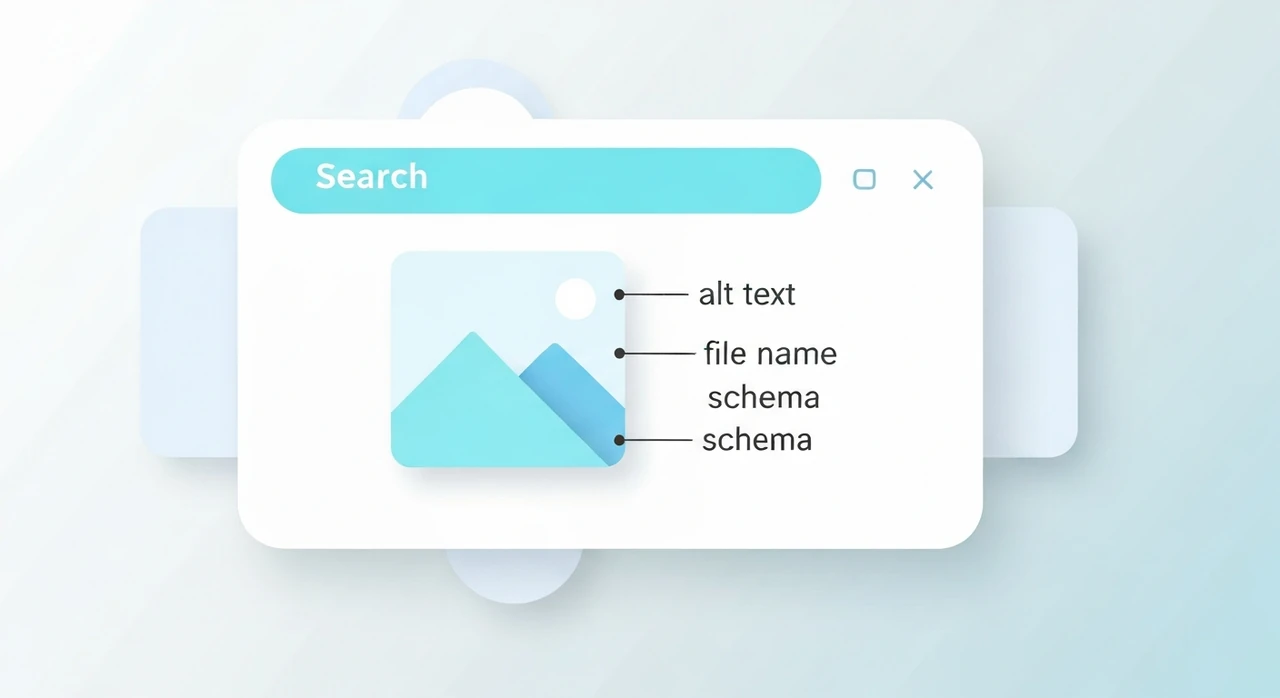
Image SEO is the kind of work everyone agrees is important and almost nobody does well. I’ve audited dozens of content sites over the past few years, and the pattern is consistent: good content with terrible image metadata, losing image-search traffic that should be theirs by default.
This article is a concrete 2026 checklist, covering what Google actually rewards and what’s wasted effort. It assumes you’ve done the basic performance work — Core Web Vitals, format choice, responsive images — and want to layer proper SEO on top. If you haven’t, start with our Core Web Vitals guide first.
What “image SEO” actually covers
There are three distinct sources of image-driven traffic:
- Image Search (Google Images, Bing Images): users searching specifically for pictures, landing on your page when they click through.
- Rich results in regular Search: the thumbnails that appear next to certain organic listings, boosting click-through rates.
- Page ranking influence: image quality and metadata indirectly signaling content quality to Google’s ranking systems.
Each has slightly different requirements. The good news: most of the work overlaps.
The on-page basics (in priority order)
1. File names that describe the image
Rename IMG_4521.jpg to something Google can read:
red-ceramic-coffee-mug-on-oak-desk.jpg. Use hyphens, lowercase, real words.
This is free SEO that people routinely skip. Google’s image-ranking systems use file names as one signal
among many, especially for disambiguation. A file named cat.jpg is ambiguous. A file named
orange-tabby-cat-in-cardboard-box.jpg isn’t.
2. Alt text that describes the image
alt is the single most important metadata field for images. It serves two masters:
- Accessibility: screen readers read alt text aloud to visually impaired users.
- SEO: Google uses alt text as a primary signal for what an image is about.
Good alt text is specific and descriptive. It’s not keyword-stuffed, and it’s not a caption. Example for a product photo:
<!-- Bad: generic -->
<img alt="coffee mug" src="...">

<!-- Bad: keyword-stuffed -->
<img alt="best coffee mug buy cheap coffee mug ceramic coffee mug" src="...">

<!-- Good: specific and natural -->
<img alt="Matte black ceramic coffee mug with a cream-colored interior, 12 oz capacity" src="...">
Two rules that cover 95% of cases:
- If a screen-reader user couldn’t understand what the image shows from your alt text, it’s not specific enough.
- If a sighted user would find your alt text weird read aloud, it’s over-optimized.
For decorative images (purely visual flourishes that carry no information), use
alt="". This tells screen readers to skip the image, which is what you want.
3. Surrounding text
Google reads the text immediately before, around, and after an image when deciding what it’s about. A photo of a red bicycle in an article about kitchen design will still be indexed as “a photo related to kitchen design” because of the surrounding context.
This means: put images near relevant copy. Don’t float them unanchored at the top of a page when the relevant discussion is 2000 words down.
4. Captions
If you use <figure> with <figcaption>, Google gives the caption text
significant weight. It’s not required — plain <img> works fine — but for content where
the caption adds context (“Figure 3: Kitchen layout after renovation”), figcaptions help.
<figure>
  <img src="kitchen-after.jpg" alt="Modern white kitchen with quartz countertops and stainless appliances after renovation" width="1200" height="800">
  <figcaption>The finished kitchen after three weeks of renovation work.</figcaption>
</figure>
Structured data: schema.org for images
For certain content types, adding JSON-LD structured data tells Google exactly what an image is and which page it belongs to. This can earn you rich result placements (thumbnails, carousels) in SERP.
Product images
If you sell products, every product page should include
Product schema with at least one image:
{
  "@context": "https://schema.org",
  "@type": "Product",
  "name": "Matte Black Ceramic Mug",
  "image": [
    "https://example.com/images/mug-1.jpg",
    "https://example.com/images/mug-2.jpg"
  ],
  "description": "A hand-thrown ceramic mug with a matte black exterior...",
  "brand": { "@type": "Brand", "name": "Example Ceramics" },
  "offers": { "@type": "Offer", "price": "28.00", "priceCurrency": "USD" }
}
Multiple images are better than one — Google can choose which to display in the carousel.
Recipe images
Recipe content with Recipe schema gets image thumbnails in search results and can appear in the
Recipe carousel:
{
  "@context": "https://schema.org",
  "@type": "Recipe",
  "name": "Classic Carbonara",
  "image": "https://example.com/images/carbonara.jpg",
  "author": { "@type": "Person", "name": "Samuel Ortega" },
  "prepTime": "PT15M",
  "cookTime": "PT10M"
}
Article images
News and blog articles with Article or BlogPosting schema benefit from a
representative image that Google can use as a thumbnail:
{
  "@context": "https://schema.org",
  "@type": "Article",
  "headline": "Example Article",
  "image": "https://example.com/images/hero.jpg",
  "author": { "@type": "Person", "name": "Author Name" },
  "datePublished": "2026-04-20"
}
Google’s documentation recommends providing multiple image aspect ratios (1x1, 4x3, 16x9) for maximum flexibility in how they display the thumbnail.
The delivery side: what Google measures
Google has been explicit that page speed and Core Web Vitals affect rankings. Image delivery is a huge part of that. The checklist:
Serve appropriately sized images
A 4000-pixel image displayed at 800 pixels is a performance tax. Use
srcset with multiple sizes so the browser can pick the right one.
<img
  src="photo-800.jpg"
  srcset="photo-400.jpg 400w, photo-800.jpg 800w, photo-1600.jpg 1600w"
  sizes="(max-width: 600px) 100vw, 800px"
  alt="..."
  width="800"
  height="600"
  loading="lazy"
>
Serve modern formats
AVIF for users whose browsers support it, WebP for the rest, JPEG as a fallback. See our format guide for the full setup.
Always include width and height
Without them, the browser can’t reserve space for the image, and your Cumulative Layout Shift score suffers. CLS is a Core Web Vital. See our Core Web Vitals guide.
Use loading="lazy" for below-the-fold images
Native browser lazy loading defers image downloads until the image is near the viewport. Do not lazy-load
your LCP image — set
fetchpriority="high" on that one instead.
Compress sensibly
Aim for JPEG quality 75–85, WebP 75–85, AVIF 55–65. See our compression guide.
Image sitemaps
If your site has many images worth ranking (a photography portfolio, a product catalog, a recipe blog), consider an XML image sitemap. Google doesn’t require it but it can help discovery for images that aren’t obviously linked from crawled pages.
A minimal image sitemap entry:
<url>
  <loc>https://example.com/products/mug</loc>
  <image:image>
    <image:loc>https://example.com/images/mug.jpg</image:loc>
    <image:caption>Matte black ceramic mug</image:caption>
  </image:image>
</url>
Add to your existing sitemap or as a separate file referenced from
robots.txt.
What doesn’t matter (or at least matters much less than people think)
- Image file size on its own: only matters as it affects page speed. 200 KB on the hero of a fast page beats 80 KB on a hero that takes 4 seconds to render because of everything else.
- Image dimensions on their own: same — only matters if they’re mismatched to display size.
- EXIF metadata: Google doesn’t use EXIF for ranking. Strip it for privacy.
- Image title attribute: rarely useful, and never a replacement for alt text.
- Watermarks: Google’s guidelines technically discourage visible watermarks for Images ranking. In practice, small discrete watermarks don’t seem to hurt.
A practical audit you can do right now
Pick your top five most-trafficked pages and check:
- Do all images have descriptive alt text? (Not “image”, not empty unless decorative.)
- Are file names meaningful, not
IMG_1234.jpg? - Do
<img>tags havewidthandheightattributes? - Are you serving WebP or AVIF, not just JPEG?
-
Does the hero image have
fetchpriority="high"and noloading="lazy"? - Are below-the-fold images lazy-loaded?
-
Does relevant content have
Product,Recipe, orArticleschema with image URLs?
Every “no” on that list is a concrete, mechanical fix. Work through them.
The bottom line
Image SEO in 2026 is less about tricks and more about cleaning up the basics. Most sites we audit have decent content but poor metadata and no structured data. Fixing that — descriptive alt text, meaningful file names, schema markup, modern formats — typically lifts image traffic by 30–50% within a few crawl cycles.
Pair good metadata with good delivery (modern formats,
srcset, loading="lazy" and
fetchpriority="high" used correctly) and your images are doing real work for you in
search results.
For the delivery half, our PNG to WebP and JPG compressor handle conversion and compression without uploading your files anywhere.
Try our free image tools
Compress and convert images right in your browser. No upload, no signup, no limits.